Terran Labs

RaaS | WEBINAR NOTIFY

Your webinar invite,to the right people

Ads and listing sites cannot tell you who your invitation actually reached.

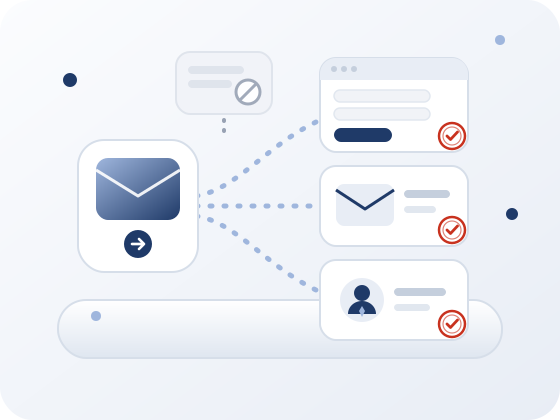
Webinar Notify picks the companies you want by your criteria and delivers the invitation directly to their front desk and to key people such as owners and executives.

Every recipient is recorded, one by one.

One plan: a ¥30,000 setup fee plus completed sends only (excl. tax).

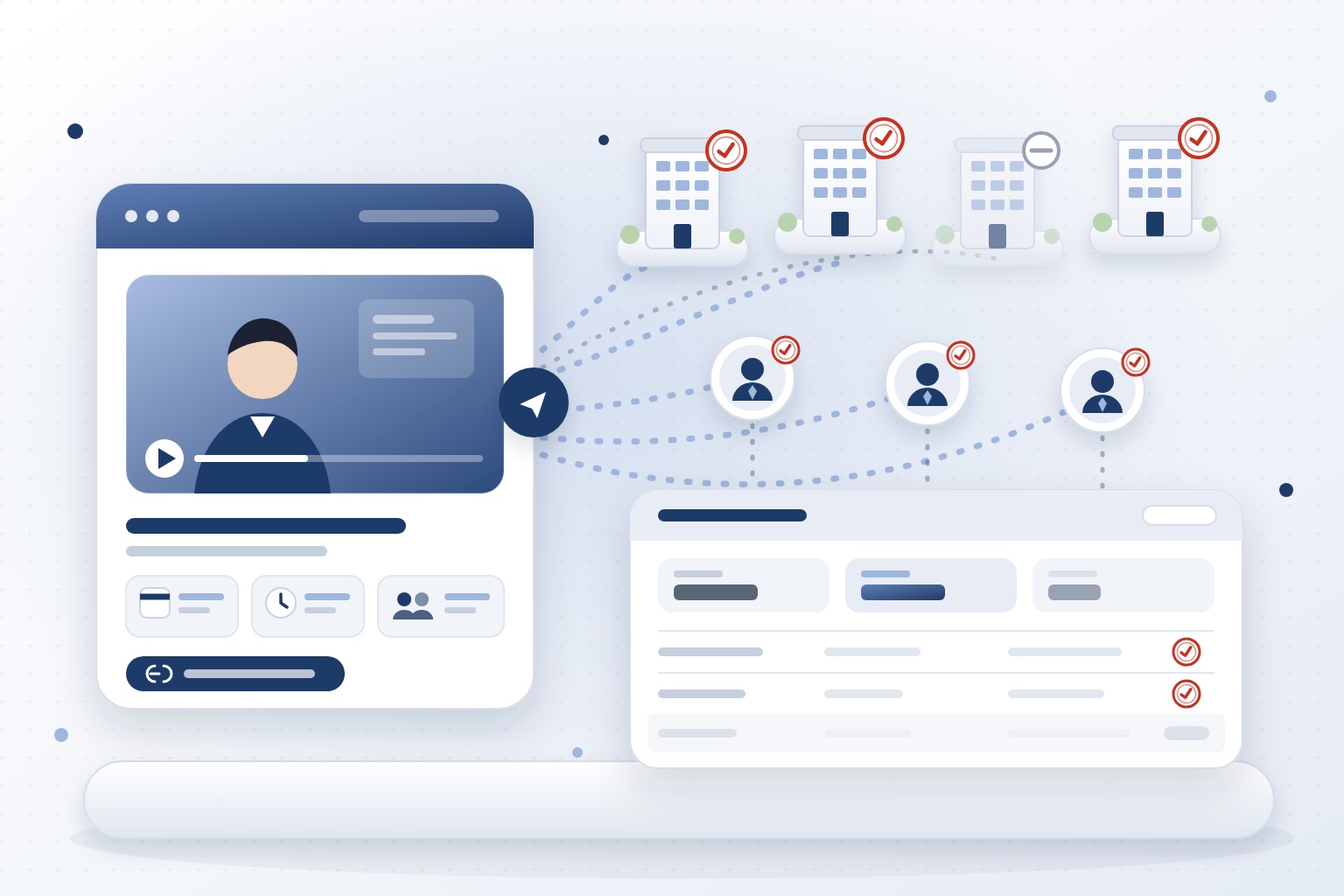
One webinar invitation reaching the front desks and executives of selected companies, with each completed send recorded in a delivery report
  • Recipients chosen by criteria
  • Company desks and decision-makers
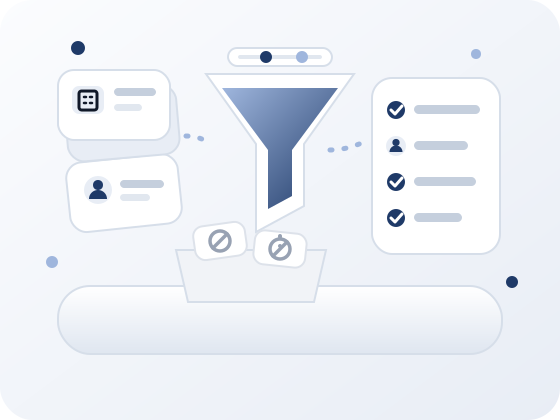
  • No-solicitation contacts excluded
  • Billed on completed sends only

SERVICE OVERVIEW

Before the date, to the people you want, in the numbers you need

Filling a webinar has a deadline: the day it runs. Ads and listing sites report impressions and clicks, but cannot confirm whether your invitation reached the companies you wanted.

Webinar Notify works the other way round. We decide on the companies first, send the invitation to their front desk and key people, and record every recipient we reached, every one we did not, and why.

* Registrations are taken on your own sign-up page. Managing registrants, running the event and presenting are not included.

DELIVERY REPORT

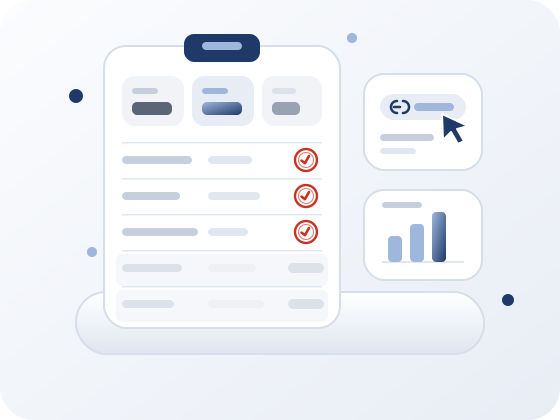
Criteria | Industry: manufacturing | Staff: 50–300 | Region: Kansai

Sample
Targeted
3,000
Sent
2,790
Excluded
210
RecipientRouteResult
Company AConfirmation page seenContact form
Company BSend confirmedPublic email
Company C (CEO)Send confirmedKey-person email
Company DStates no solicitationContact formExcluded
Company ECompetitor (exclusion list)—Excluded
* Sample only. Actual numbers depend on your criteria.

TWO ROUTES

The company's front desk, and the decision-maker. We reach both

To companies

Who receives it
The official contact point of each matching company
Route
Contact forms and published email addresses
Pool
Selected from data on about 5 million companies by industry, size, region and more
Size of one send
1,000–10,000 companies
Best for
Reaching many new companies and having the invitation passed to the right team

To key people

Who receives it
Owners, executives and similar roles at matching companies
Route
Email
Pool
Selected by company criteria from about 100,000 people who have agreed to receive announcements
Size of one send
Depends on your criteria. We tell you the count beforehand
Best for
Telling the people who make the decision, directly

You can use either route or both. We propose how to split the volume when we design the recipient list. Both routes cost the same.

SAMPLE MESSAGE

Delivered as an announcement, not a sales pitch

The invitation is a short notice of about 400 Japanese characters covering the date, audience, content and sign-up page, written so it is easy to forward to the right person inside the company.

Invitation (sample)

Subject: Free webinar for manufacturing business owners (on [date])

This is [name] from Sample Co., Ltd.

We are holding a free online seminar on hiring for small and mid-sized manufacturers, and would like to invite you.

  • When: [date], 14:00–15:00
  • Format: online (free)
  • Topic: three things small manufacturers did to hire more when applicants were scarce
  • For: manufacturing business owners and heads of HR
  • Details and sign-up: https://example.com/webinar

We would be grateful if you could forward this to the relevant team.

If you would rather not receive future invitations, simply reply to this message.

* A sample using a fictional company and webinar.

What we can send

  • Business webinars and seminars with a set date, audience and content
  • Conferences and seminars held at trade shows
  • Announcements that a recording is now available

What we cannot send

  • Product or service pitches with no webinar behind them
  • Consumer investment, real estate or insurance solicitations
  • Claims of results or track records that cannot be backed up

Sending regularly also builds recognition

Your invitation also reaches the companies that do not sign up. Telling the industries and roles you care about about specialist webinars on a regular basis builds up chances for them to know your name as a company that understands the field.

WHY WEBINAR NOTIFY

Few ways to promote a webinar tell you which companies it reached

Set beside ads, listing sites and email to your own list, the difference is whether you can choose the recipients and confirm who was reached. * A summary of general tendencies; details vary by service.

  • Can you choose recipients?

    Ads and listing sites
    PartlyDepends on the audience
    Email to your own list
    PartlyOnly your existing list
    Webinar Notify
    YesBy criteria, new companies too
  • Who was reached?

    Ads and listing sites
    NoImpressions and clicks only
    Email to your own list
    PartlyOpens partly estimated
    Webinar Notify
    YesA send record for each one
  • Why some were not reached

    Ads and listing sites
    NoUnknown
    Email to your own list
    PartlySome bounces only
    Webinar Notify
    YesEvery reason recorded
  • Ready before the date?

    Ads and listing sites
    PartlyDepends on slots and review
    Email to your own list
    YesYes
    Webinar Notify
    YesSending in as little as 5 business days
  • How you pay

    Ads and listing sites
    Per listing or ad
    Email to your own list
    Tool subscription plus staff time
    Webinar Notify
    Setup fee plus completed sends

When teams use it

  • Three to four weeks to go. You want to reach new companies, but your list only has people you already know
  • You want to invite a sizeable number of companies in a particular industry or region
  • You want more decision-makers in the audience, so you want to tell owners and executives directly
  • You use ads and listing sites but cannot tell which companies saw them

HOW IT WORKS

One webinar, end to end: from choosing recipients to reporting back

Tell us about the webinar and the companies you want to reach, and we carry out the four steps. Each step ends with something we hand over.

  1. 01 · TARGET

    Design the recipient list

    We set the target by industry, size, region, department and other criteria. Contacts we will not send to are fixed before sending, each with a reason.

    YOU RECEIVE

    Target criteria / match counts (companies and key people) / exclusion list
  2. 02 · MESSAGE

    Write the invitation

    We write an invitation that reads as an announcement. The link to your sign-up page carries tracking parameters.

    YOU RECEIVE

    Invitation (form and email versions) / tracking URL

  3. 03 · DELIVERY

    Send

    We send through contact forms, published email addresses and email to key people. A dedicated team handles contact points that cannot be sent to automatically, and every send is recorded.

    YOU RECEIVE

    Send log / completed sends / exclusions and reasons

  4. 04 · REPORT

    Report back

    We walk you through completed sends, excluded contacts and why, and a record of which links were opened, in an online session.

    YOU RECEIVE

    Delivery report / exclusion list / link-open record

RECOMMENDED TIMELINE

We recommend talking to us at least four weeks before the webinar

So recipients have time to clear their diary, aim to finish the first send three weeks before the event. As a rule, each recipient is sent one invitation per webinar.

  1. 01

    Up to 4 weeks before

    Recipient design, invitation copy, test send

    Share of sends—
  2. 02

    3 weeks before

    Main send (highest-priority recipients)

    Share of sendsAbout 60%
  3. 03

    2 weeks before

    Additional send (wider criteria)

    Share of sendsAbout 25%
  4. 04

    3–5 days before

    Final send (remaining recipients)

    Share of sendsAbout 15%

Short on time? We can start sending in as little as 5 business days. Talk to us first.

PRICING

One plan: a setup fee, plus completed sends only

You pay nothing for contacts we could not send to or excluded. All prices exclude tax.

PRICE

Setup fee (first time only)
¥30,000
Per completed send
¥40
  • e.g. 1,000 sends, first time¥30,000 + ¥40 × 1,000 =¥70,000
  • e.g. 3,000 sends, first time¥30,000 + ¥40 × 3,000 =¥150,000
  • e.g. 1,000 sends, second time onwards¥40 × 1,000 =¥40,000

From the second time there is no setup fee, so you can keep sending for every webinar.

* All prices exclude tax.

INCLUDED

  • Briefing and recipient design
  • Invitation copy and a test send
  • Sending to companies and to key people
  • Delivery report and an online review
  • Link-open record

You set the maximum number of sends. We stop when it is reached, so you never go over budget. The minimum is 1,000 sends.

Count matches for free

For more than 10,000 sends, or a regular monthly send, please ask us separately.

* We do not guarantee the number of registrations or attendees.

CLEAR DEFINITION

We agree what counts as a completed send before you sign

The only charges are the setup fee and the number of completed sends as defined here.

Counted as completed

  • Forms: a confirmation page or message, a reference number or a confirmation email was seen
  • Published email addresses: no bounce notice came back after sending
  • Email to key people: no bounce notice came back after sending
  • Anything else that meets completion criteria agreed in advance
Excluded

Not counted (no charge)

  • Contact points or addresses that state no sales or advertising
  • Forms that do not exist, are switched off or fail with an error
  • Forms that cannot be sent because a required field cannot be filled
  • Existing customers, competitors, duplicates and anyone on your exclusion list
  • Recipients who have asked to stop receiving messages
  • Sites whose terms of use mean we should not send

Every excluded contact appears in the report with its reason.

FAQ

Frequently asked questions

What kind of invitations can you send?

Invitations to business webinars and seminars with a set date, audience and content. We do not accept product or service pitches with no webinar behind them.

How much does it cost in total?

A ¥30,000 setup fee (first time only) plus ¥40 × the number of completed sends. For example, 1,000 sends the first time comes to ¥70,000 (excl. tax). There are no other charges.

Is there a setup fee the second time?

No. From the second time you pay only for completed sends.

Do you send to contact points that say no solicitation?

No. We exclude them before sending and record the reason in the report. There is no charge for them.

Do we need to provide the recipient list?

No. We build it from criteria such as industry, size and region. If there are companies to leave out, such as existing customers, send us that list.

Who receives the key-person emails?

Mainly owners and executives who have agreed to receive announcements. Of those, we send only to people at companies that match your criteria.

Where do people register?

On your own sign-up page. The invitation includes its URL.

How can we see the results?

In the report after sending you can see who was reached, who was not, and which links were opened. The sign-up URL carries tracking parameters, so your own tools can count registrations from these sends.

The webinar is only two weeks away. Is that enough time?

We can start sending in as little as 5 business days. To leave enough time for registrations, we recommend talking to us at least four weeks ahead.

Where do replies and questions go?

To the contact details of yours that we put in the invitation. Any replies that reach us are passed on in the report.

Do you send to the same recipient more than once?

As a rule, each recipient is sent one invitation per webinar.

Can you also take registrations or follow up after the event?

Those are not part of this service, which focuses on delivering the invitation. Following up with companies that responded is something we can discuss in the report after sending.

We run webinars regularly. Can you send for every one?

Yes. From the second time there is no setup fee, only completed sends. We manage the interval between sends to the same recipient, and never send to anyone who has asked us to stop.

Tell us about your next webinar and who you want to reach. We will count the matches for free

Within 2 business days we email you the number of matching companies and key people, a proposed number of sends, a quote and a schedule. You can decide whether to go ahead after reading it. In your message, include the webinar date and who you want to reach (e.g. manufacturers in Kansai with 50–300 staff; owners and heads of HR).

Webinar Notify